Use in your browser. Install on your phone or computer when you’re ready.Úsalo en tu navegador. Instálalo en tu teléfono o computadora cuando quieras.Utilisez-le dans votre navigateur. Installez-le sur votre téléphone ou ordinateur quand vous le souhaitez.
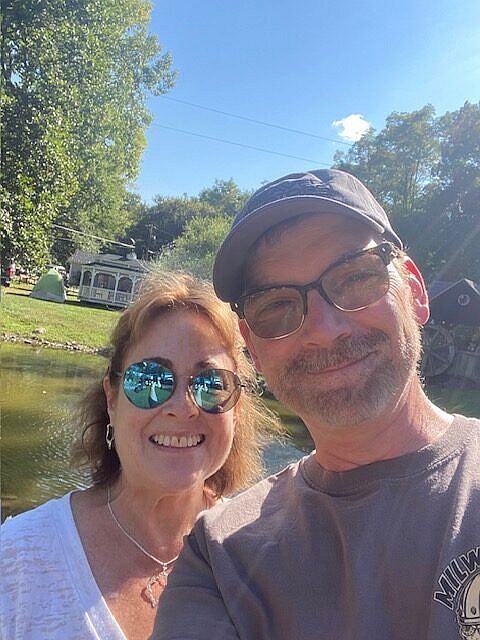
I’m Chuck Price, a lifelong camper and the creator of Boondock or Bust. Cindy and I travel in a 2018 Hymer Aktiv Class B after years with a Class C Gulfstream.
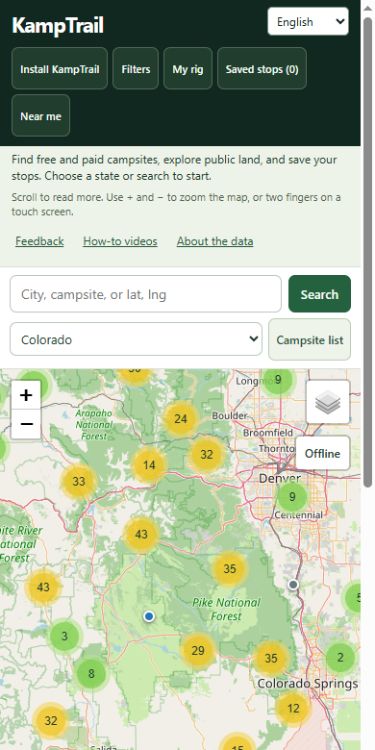
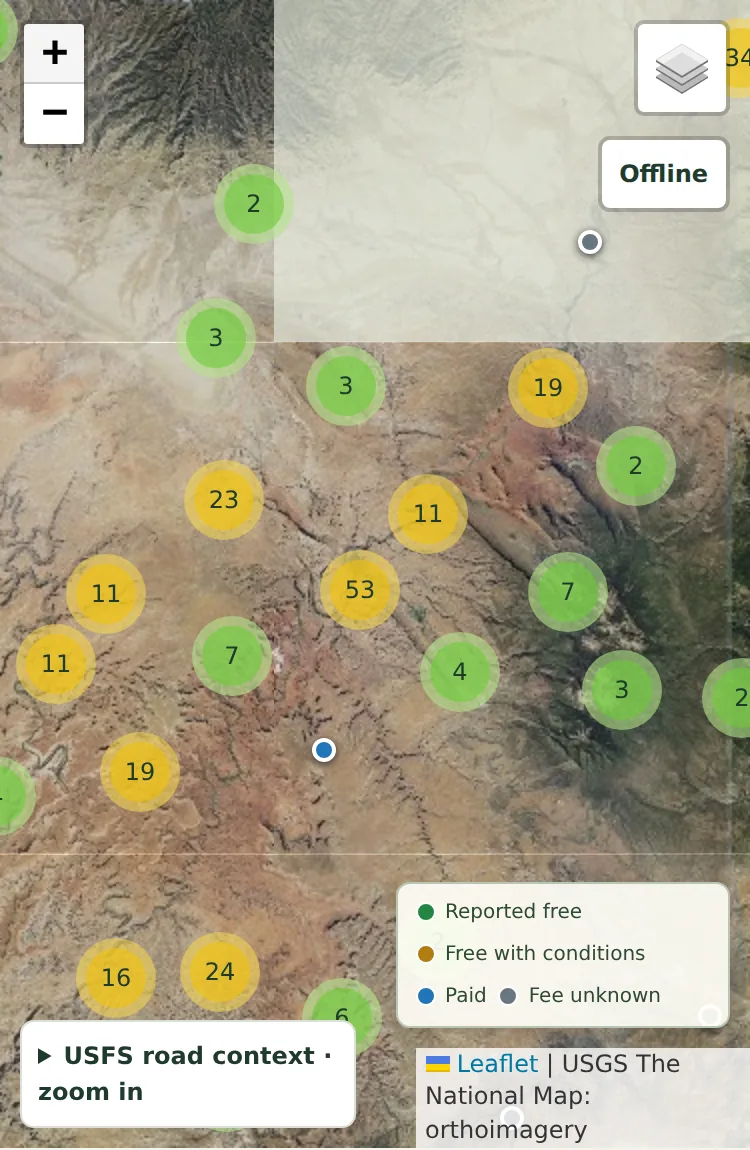
I’m building KampTrail to bring campsite information, public-land context, and trip planning together. Start with a place you know and tell me what would make it more useful for your trips.
Add KampTrail to your home screen or app launcher for easy access. Free, with no account required.
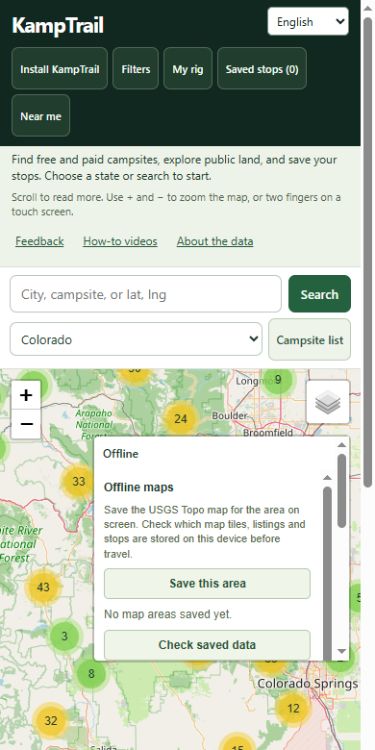
Installation does not download maps. While online, use Offline to save Topo maps and save your stops. New routes, fresh weather and sending feedback need a connection.
iPhone and iPad
In Safari, open Share (or the page menu, then Share). Choose Add to Home Screen and tap Add. Look under View More if needed. Leave Open as Web App on if offered. If these options are missing in your browser, open this page in Safari.
Android
In Chrome, open the three-dot menu, then Install and create shortcut, then Install. Some versions show Add to Home screen or Install app. Follow the prompts.
Windows and other computers
In Chrome, use the address-bar Install icon, or the menu: Cast, save, and share, then Install page as app. In Edge: More tools, Apps, then Install this site as an app. If unavailable, bookmark KampTrail.
Mac with Safari
In Safari on macOS 14 or later, choose File, then Add to Dock. Chrome and Edge also offer installation.
PUBLIC BETA · OPEN TO EVERYONE
Start with a place you know
You can use the beta now. Help shape it by trying these four steps on your phone or computer.
Find a familiar campsite or camping area.
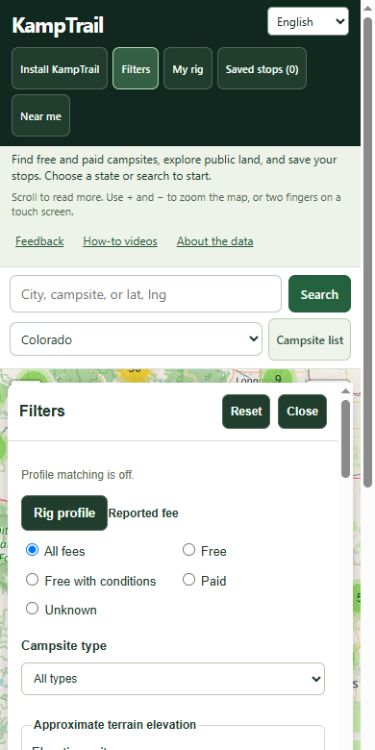
Check its location, fee information, amenities, and source links. Tell us what is missing or incorrect.
Save a stop, reload the page, and find it again in Saved stops.
Tell us what was confusing and which improvement would matter most on your next trip.
The current beta is free to use. No account is required to explore the map, save stops, or send feedback.
Do I need to install an app?
You can use KampTrail in your browser. Install KampTrail explains how to add it to your home screen or app launcher.
Where are my saved stops stored?
Saved stops stay in this browser on this device. Export a GPX file to back up your trip or move its stops to another device. Clearing site data removes local saves.
What works without a connection?
Prepare while online. Previously viewed listings and saved stops can remain available when browser storage permits. Use Offline to save selected USGS Topo map areas. New routes, fresh weather, land lookups, and sending feedback need a connection.
Are campsite details verified?
Listings combine agency records, OpenStreetMap data, and moderated visitor contributions. Coverage and dates vary. Unknown fees stay unknown. Confirm current fees, access, closures, and vehicle suitability with the operator or land manager.
Will routes account for my RV dimensions?
Current routes use car routing. Your rig profile and mapped clearance candidates do not establish a safe or legal route for your vehicle. Check restrictions, road conditions, and posted signs before traveling.
Help improve KampTrail
Found a bug or have an idea? Send it privately. No account required. Email is optional.
Feedback is reviewed privately. A suggestion is not a promise to build it. For a campsite correction, use “Suggest a fix” on that listing.
Optional analytics settings
Privacy details. Optional beta measurement starts only after you allow it.